

Alright, let’s talk about buying your first Bitcoin. It might sound intimidating, but honestly, you can start with as little as $25. Most crypto exchanges let you buy Bitcoin for just a buck, which is a relief for beginners who want to dip their toes in without going all in. All you really need is about 10 or 15 minutes and a smartphone or computer. Not too bad, right?
A lot of folks still believe you need hundreds to get started. I used to think that too. But here’s the thing: Bitcoin breaks down into insanely tiny pieces, so your small budget is actually perfect for learning the ropes.
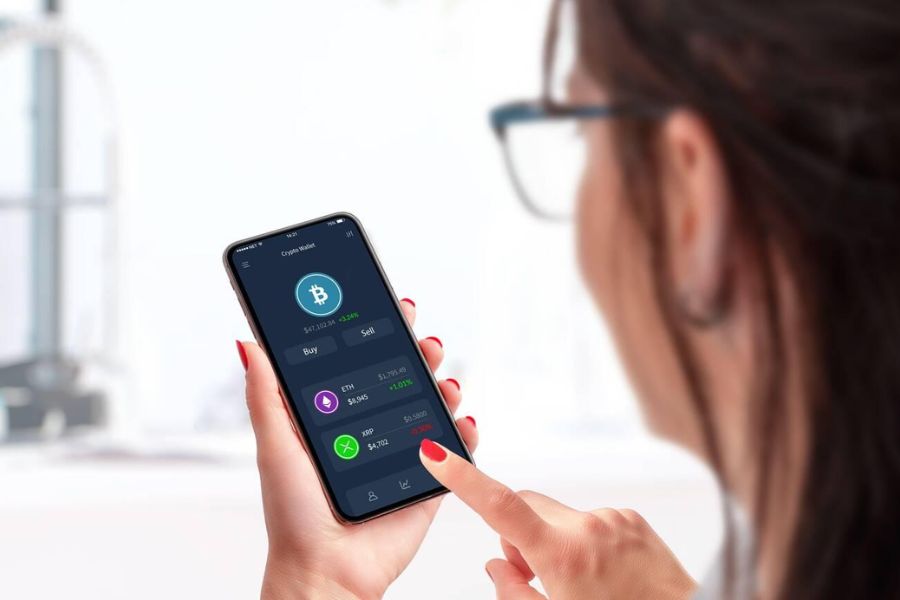
To kick things off, pick a trusted exchange, set up your account, and make your first purchase. The trick is choosing a platform that feels right and learning a few basic security steps. With a little guidance, anyone can buy and store their first Bitcoin investment without feeling lost.
Key Takeaways
- You can buy Bitcoin for as little as $1, so even a $25 budget works
- The whole process usually takes just 10-15 minutes on a reputable crypto exchange
- Security and smart storage are crucial for protecting your Bitcoin
Understanding Bitcoin and Cryptocurrency Basics
So, what is Bitcoin, really? It’s a digital currency that doesn’t rely on banks or governments, which is pretty wild if you think about it. If you want to get started, it’s worth learning a few basic crypto terms and maybe making a small investment just to test the waters.
What Is Bitcoin and How Does It Work?
Bitcoin is the OG of cryptocurrencies. It lives entirely online—no coins to jingle in your pocket.
The magic behind Bitcoin is something called blockchain technology. This system records every transaction across thousands of computers. Everyone on the network has the same record, which is actually pretty cool.
When you send Bitcoin, the network checks if you really own it. All those computers work together to confirm your transaction. It usually takes about 10 minutes.
A few things that set Bitcoin apart:
- No central bank controls it
- Only 21 million bitcoins will ever exist
- You can’t reverse transactions
- All transactions are public on the blockchain
Back in 2009, someone named Satoshi Nakamoto created Bitcoin. No one knows who that is, which adds a bit of mystery. The idea was to make money work peer-to-peer, without any middlemen.
People use Bitcoin to send money across borders in minutes. Some just buy it as an investment, hoping it’ll go up in value.
Key Crypto Terminology for Beginners
Crypto has its own language, and learning a few key terms makes things way less confusing.
Wallet – This is basically your digital pocket for Bitcoin. You get a public key (like your email address) and a private key (like your password).
Exchange – Think of this as the website or app where you buy and sell Bitcoin with regular money. Coinbase and Crypto.com are two big names.
Mining – Computers solve math puzzles to add new transactions to the blockchain. Miners get rewarded with new bitcoins.
| Term | Definition |
|---|---|
| HODL | Holding crypto long-term instead of trading |
| Volatility | How much bitcoin’s price bounces up and down |
| Market Cap | Total value of all bitcoins put together |
| Cold Storage | Keeping bitcoin offline, away from hackers |
Satoshi – The tiniest piece of Bitcoin. One Bitcoin equals 100 million satoshis, so you can buy a sliver if you want.
Private Key – This is your secret code that proves you own your Bitcoin. Lose it, and your Bitcoin vanishes for good.
Why Invest Small Amounts in Bitcoin?
Starting with $25 is honestly smart. It lets you learn the ropes without stressing over big losses.
Bitcoin’s price jumps around—a lot. Sometimes it can swing 10% up or down in a single day. If you only put in $25, those wild changes feel a lot less scary.
Here’s what you’ll learn with small investments:
- Navigating crypto exchanges
- Setting up a secure wallet
- Watching market trends
- Handling your emotions when the price moves
Dollar-cost averaging is a fancy term for buying a little at a time, like $25 every month instead of dropping $300 at once. This helps smooth out the ups and downs.
Plenty of successful investors started with small amounts. They learned the basics first, then increased their investment as they got more comfortable.
Small bets also help you stick to that golden rule: never invest more than you can afford to lose. For most people, $25 is manageable.
Crypto markets never sleep—they run 24/7. Starting small lets you get used to the constant action without feeling overwhelmed.
Choosing the Right Platform to Buy Bitcoin
Where you buy Bitcoin matters. It can make your experience easy or super frustrating. Most beginners pick from crypto exchanges, payment apps, or even stock trading apps. Each one has its perks, especially for small purchases.
Comparing Top Crypto Exchanges
Crypto exchanges give you the most options. Coinbase is probably the easiest for newbies—simple interface, solid security.
Kraken has lower fees than Coinbase, but it’s a bit more technical. They charge 0.16% to 0.26% per trade.
Crypto.com offers lots of cryptocurrencies and decent rates. New users often get discounts on their first few trades.
Binance is huge worldwide, but if you’re in the US, you might run into restrictions. Always check if it’s available in your state.
eToro lets you copy the moves of experienced traders, which is handy if you want to learn by watching others.
| Exchange | Best For | Fees | Minimum Purchase |
|---|---|---|---|
| Coinbase | Beginners | 0.5-1.5% | $2 |
| Kraken | Lower fees | 0.16-0.26% | $10 |
| Crypto.com | Variety | 0.4% | $1 |
Buying Bitcoin With Payment Apps
Payment apps keep things super simple if you already use mobile payments. Cash App lets you buy Bitcoin in just a few taps.
They charge about 2% in fees. You can buy as little as $1 instantly.
PayPal also lets you buy Bitcoin, but you can’t move it out of PayPal. Your Bitcoin stays stuck in their system.
These apps are great for convenience, but you usually pay higher fees compared to crypto exchanges.
Using Stock Trading Apps for Bitcoin
Stock trading apps, like Robinhood, now let you buy Bitcoin alongside stocks. No commission fees and no minimum purchase.
You get to see all your investments—crypto, stocks, ETFs—in one spot. That’s handy if you like everything in one place.
eToro also mixes stocks and crypto. You can invest in both from the same dashboard.
If you already use these apps for stocks, adding Bitcoin is a breeze.
Account Setup and Security Measures
Setting up a secure Bitcoin account is really just three steps: pick a good exchange, verify your identity, and turn on strong security like two-factor authentication.
Creating and Verifying Your Account
Most exchanges ask you to set up an account before buying. You’ll enter your name, email, and phone number.
Stick with exchanges that have a good reputation for security. Coinbase, Kraken, and Gemini are solid choices for beginners.
After you enter your info, you’ll need to verify your email by clicking a link. Then, you’ll confirm your phone number with a code.
This process usually takes about 5-10 minutes. Make sure your password is strong—at least 12 characters, with numbers and symbols.
Some platforms let you buy small amounts right after signing up. If you want higher limits, you’ll go through extra verification.
Setting Up Two-Factor Authentication
Two-factor authentication (2FA) adds an extra layer of protection. You’ll need to enter a code from your phone every time you log in.
Most exchanges offer a few 2FA options:
- SMS codes sent to your phone
- Authenticator apps like Google Authenticator or Authy
- Hardware keys (if you’re extra cautious)
Authenticator apps are safer than SMS codes. They generate new codes every 30 seconds, even offline.
Setting up 2FA is quick—just scan a QR code with your app and enter the code to confirm.
Tip: Save your backup codes somewhere safe. If you lose your phone, these codes get you back into your account.
Understanding Identity Verification Requirements
Exchanges ask for identity verification to follow the law and prevent fraud. Usually, you’ll need to do this for purchases over $100-500.
Get your ID ready—driver’s license, passport, or state ID all work.
Sometimes, they’ll ask for proof of address, like a recent utility bill or bank statement.
You’ll take clear photos of your documents, and sometimes a selfie. Mobile apps tend to make this step easier.
Verification can take 1-3 business days, but some exchanges do it instantly during business hours.
While you wait, you can usually buy small amounts of Bitcoin. Once you’re approved, you unlock all features.
Making Your First $25 Bitcoin Purchase
With $25, you can own a piece of Bitcoin in just a few steps. Most exchanges let you start small and their fees are reasonable for beginners.
Funding Your Account: Methods and Limits
Debit cards are the fastest way to fund your account—payments go through instantly, but you’ll pay 2-5% in fees.
Bank transfers (ACH) are slower (1-3 days) but cost a lot less in fees.
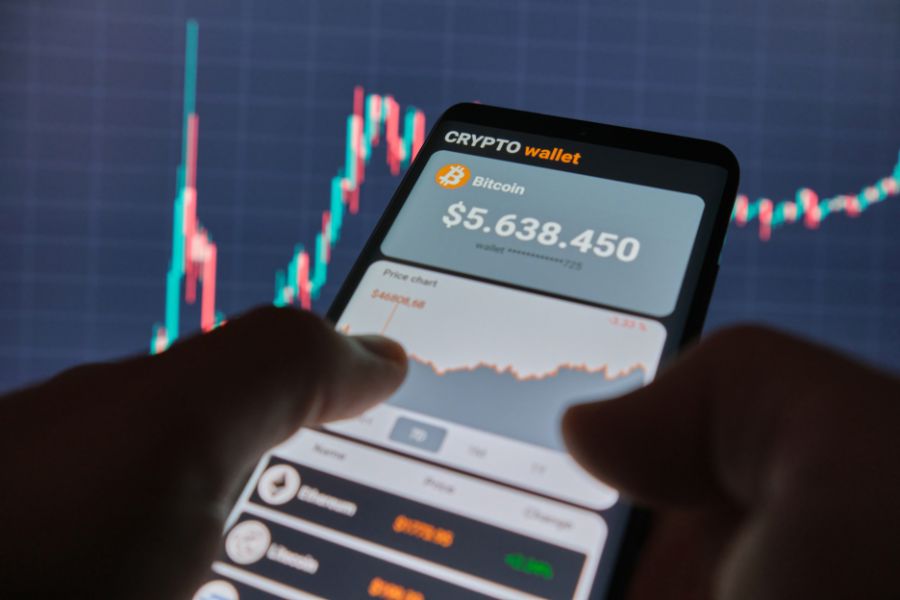
Digital payment apps like PayPal, Apple Pay, or Google Pay work on some platforms. They’re quick, but fees can be higher than bank transfers.
| Payment Method | Processing Time | Typical Fees | Best For |
|---|---|---|---|
| Debit Card | Instant | 2-5% | Quick purchases |
| Bank Transfer | 1-3 days | 0.5-1.5% | Lower costs |
| PayPal | Instant | 3-4% | Convenience |
Most platforms set a minimum deposit of $10-25. So $25 fits right in.
Step-by-Step Guide to Buying Bitcoin
Ready to buy? Here’s how I usually do it:
First, hit the “Buy,” “Trade,” or “Markets” button on your exchange.
Pick Bitcoin (BTC) from the list—it’s usually right at the top.
Type in $25 as your purchase amount. The app will show you how much Bitcoin you’ll get at the current price.
Go with a market order for your first time. That way, you buy instantly at the going rate.
Double-check the details—how much you’re getting, the fees, and the total cost. Make sure it all looks right.
Submit your order. In a few seconds, your Bitcoin lands in your wallet.
You’ll get a confirmation email and see the transaction in your history.
Fractional Bitcoin: How Much Can You Buy?
Bitcoin breaks down into tiny pieces called satoshis. You don’t need to buy a whole Bitcoin—just a fraction.
With $25, you’ll usually get between 0.0002 and 0.0005 Bitcoin, depending on the price that day.
Most exchanges charge a small transaction fee—usually $0.99 to $2.99—so you’ll actually spend about $22-24 on Bitcoin.
Dollar-cost averaging (DCA) works well here. Instead of one $25 buy, you could do $5 or $10 a week to spread out your entry points.
A lot of people start with $25 just to see how it all works. It’s a great way to learn about exchanges and transaction fees before you invest more.
Even a tiny piece of Bitcoin grows (or shrinks) at the same rate as a full coin. If Bitcoin doubles, your $25 doubles too.
Safely Storing and Managing Your Bitcoin
Once you’ve got your first Bitcoin, you need a safe place to keep it. The wallet you pick and the security steps you take will make all the difference in protecting your investment.
Custodial vs. Non-Custodial Wallets
Let’s talk about wallets—because not all crypto wallets are created equal. A custodial wallet puts your Bitcoin in the hands of a third party. Basically, when you use a big exchange like Coinbase or Binance, they’re holding your private keys for you. That means the exchange controls your Bitcoin and handles the security side.
Honestly, this setup feels pretty comfortable for beginners. You don’t have to stress about losing passwords or figuring out complicated security stuff. The exchange takes care of all that.
But there’s a catch. If the exchange gets hacked or suddenly shuts down, you could lose your Bitcoin. You also can’t move your coins around unless the exchange says so. That always made me a little nervous.
Now, a non-custodial wallet flips the script. You, and only you, control your private keys. No one stands between you and your Bitcoin. People love options like Trust Wallet for phones, or hardware wallets like Ledger and Trezor.
Non-custodial wallets give you more freedom and security. You don’t have to rely on any company to access your money.
But you do take on more responsibility. If you lose your wallet password or recovery phrase, your Bitcoin is gone for good. There’s nobody to call for help. That’s a little scary, right?
Introduction to Hardware and Mobile Wallets
Let’s break down hardware wallets. These are physical gadgets—think tiny USB drives—from brands like Ledger and Trezor. They usually cost between $50 and $200.
If you’re serious about security, hardware wallets are the gold standard. They store your private keys offline, totally out of reach from hackers or malware. Even if your computer gets a virus, your Bitcoin stays untouched.
Setting up a hardware wallet takes a bit of patience. You’ll need to write down a recovery phrase and learn how the device works. It’s not rocket science, but there’s a learning curve.
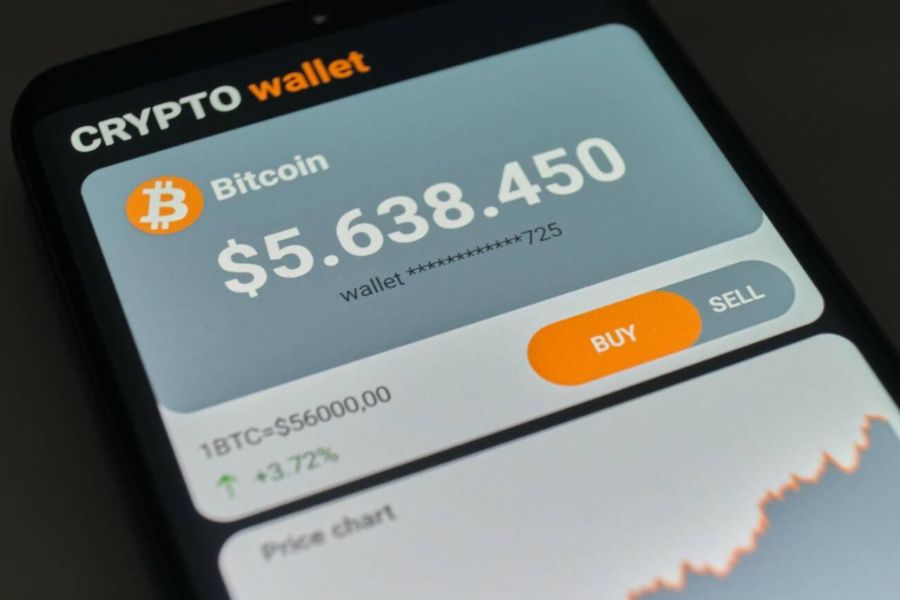
On the flip side, mobile wallets are just apps you download to your phone. Trust Wallet is a big favorite among beginners. These apps are free and super easy to use.
Mobile wallets work great for small amounts you might spend here and there. They connect to the internet, so transactions happen quickly.
The downside? Phones can get lost, stolen, or hacked. Mobile wallets don’t offer the same protection as hardware wallets, but they definitely win on convenience.
Best Practices for Bitcoin Security
Let’s run through some must-follow tips for keeping your Bitcoin safe:
1. Never share your private keys or recovery phrases. Seriously—these words unlock all your Bitcoin. Write them down (yes, on paper) and stash them somewhere safe.
2. Turn on two-factor authentication for every crypto account you have. That extra step makes a world of difference.
3. Start small. When you’re learning, don’t go all-in. Keep most of your Bitcoin in a hardware wallet and just a little in your mobile wallet for spending.
4. Make backup copies of your recovery phrase. Store them in separate places. If something happens to one, you’ve still got the other.
5. Double-check wallet addresses before sending Bitcoin. One wrong letter and your money vanishes forever.
6. Keep your software updated on every device you use for Bitcoin. Updates often patch security holes.
7. Use strong, unique passwords for every crypto account. Password managers can help you keep track and stay secure.
Frequently Asked Questions
If you’re new to Bitcoin and thinking about buying your first $25 worth, you probably have a ton of questions. I’ve been there—let’s tackle the most common ones.
What are the steps to purchasing Bitcoin online for a beginner?
Here’s a quick five-step plan to buy Bitcoin online:
First, pick a reputable exchange like Coinbase or Kraken. Make sure they allow small purchases—it’s no fun jumping through hoops.
Next, create your account and go through identity verification. You’ll need to upload a government ID and proof of address. Most exchanges get this done in about a day.
Add funds to your account using a debit card, bank transfer, or even PayPal, depending on what the exchange lets you use.
Now, place your order to buy Bitcoin at the current price. The exchange will show exactly how much Bitcoin you get for your $25.
Once you’ve got your Bitcoin, move it to your personal wallet for better security. Most people start with a mobile wallet app before they try a hardware wallet.
Where can beginners find the best platforms to buy Bitcoin?
Coinbase is hands-down the easiest for beginners. The interface is clean, and their customer support is actually helpful when you’re just starting out.
Kraken is another solid pick, especially since their fees are low and their security is tight. You can start with as little as $1, so $25 is no problem.
Gemini’s interface is simple and, since it’s regulated in New York, there’s an extra layer of trust. Plus, they let you withdraw to your own wallet for free.
Cash App is great if you already use it for other stuff. You can buy Bitcoin right in the app, no extra steps needed.
I’d avoid smaller or overseas exchanges when you’re new. Stick with well-known, regulated platforms to keep things easy and safe.
What amount of Bitcoin can a beginner get with a modest budget like $25?
The amount of Bitcoin you’ll get with $25 depends on the current price. For example, if Bitcoin is at $50,000, your $25 buys you 0.0005 Bitcoin.
Bitcoin breaks down into really tiny units called satoshis. One Bitcoin equals 100 million satoshis, so even $25 gets you millions of them.
Don’t forget about exchange fees. Most places take between 0.5% and 1.5%, so you might end up with $24.50 worth of Bitcoin after fees.
The exact amount changes all the time as Bitcoin’s price moves. You’ll always see the number before you hit “buy.”
Even small amounts can add up over time. Lots of successful investors started with less than $50.
Can you invest in Bitcoin with as little as $25, and how does that process work?
Absolutely—you can start with just $1 or $10 on most major exchanges. So $25 is more than enough.
The process is the same whether you’re putting in $25 or $2,500. Set up your account, verify your identity, add funds, and place your order.
Cash App makes it especially easy for small purchases since it’s built right into the app you already use.
If you want to build a habit, try dollar-cost averaging. That’s just a fancy way of saying: buy $25 worth of Bitcoin every week or month, no matter what the price is.
Remember, the risks are the same whether you invest $25 or $2,500. Gains and losses happen in percentages, so don’t let the small amount make you careless.
What should a beginner know about the potential risks and rewards of investing $25 in Bitcoin?
Bitcoin’s price can swing wildly—your $25 might turn into $15 or $40 in just a few weeks. That’s part of the ride.
The big reward is the potential for long-term growth. People who bought small amounts years ago have seen some pretty amazing gains.
Security is a real concern, though. If you lose access to your wallet or fall for a scam, your Bitcoin is gone. Always use reputable exchanges and learn how to manage your wallet.
Regulation can also affect Bitcoin’s price and availability. Still, most major countries (like the U.S.) seem to be moving toward acceptance, not bans.
If you lose $25, it’s not the end of the world. That’s one reason small investments are a smart way to get started.
How does one safely set up a Bitcoin wallet to start investing with a small amount?
Let’s be honest: starting with Bitcoin can feel intimidating. When I first dipped my toes in, I wanted something simple and safe, especially since I wasn’t throwing in a ton of cash.
If you’re just getting started, mobile wallets like Exodus or Trust Wallet make things easy. I like these apps because they’re user-friendly, and for amounts under $100, the security feels solid enough.
After you download your chosen app, you’ll get a 12-word recovery phrase. Don’t skip this step! Write those words down—on actual paper, not your phone or computer.
Honestly, I can’t stress this enough: never snap a photo or save your recovery phrase digitally. I wrote mine on a sticky note and tucked it away where only I’d find it.
If you’re planning to invest more—say, over $500—it’s a smart move to look at hardware wallets like Ledger or Trezor. They’re pricier (think $50-100), so they’re probably overkill if you’re only starting with $25.
Some people just leave small amounts on big exchanges like Coinbase when they’re learning the ropes. It’s not the most secure option, but for a beginner, it’s a decent way to get comfortable before diving deeper into wallet management.
